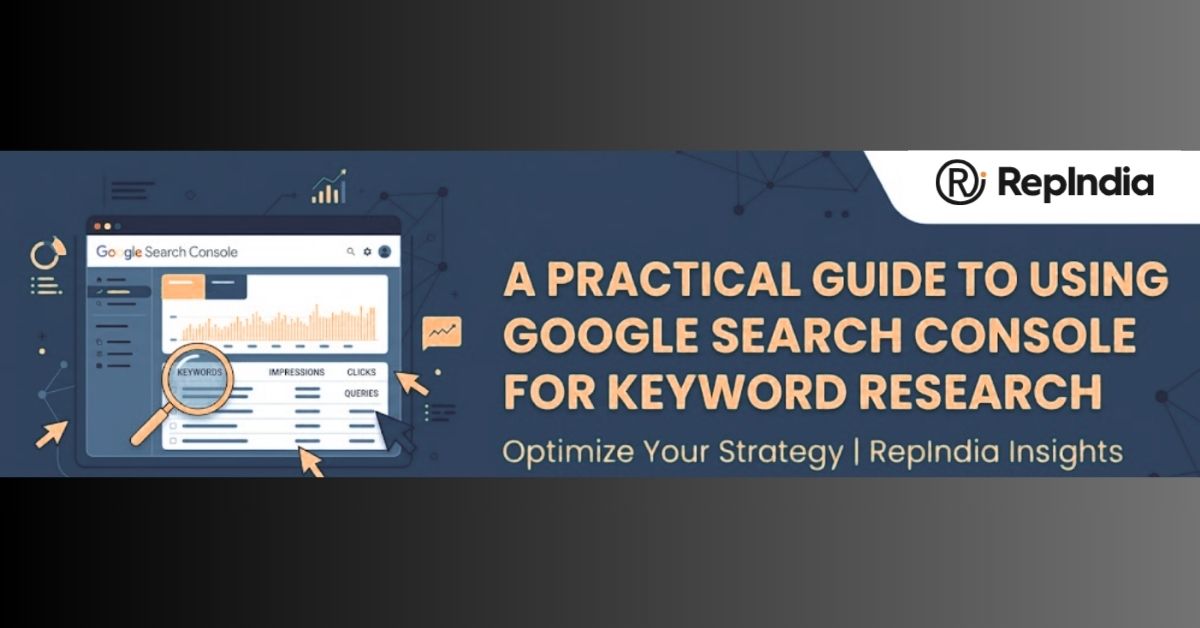
Discovering the right keywords can transform the way your website performs in search results. While many tools promise insights, Google’s own tool, Google Search Console, is an invaluable resource for understanding how your website is discovered and which search terms drive traffic.
Using Google Search Console for keyword research allows marketers and businesses to make informed decisions, optimise content, and improve overall SEO performance.
Businesses in cities like Bangalore, Mumbai, Delhi, Hyderabad, and Chennai face intense digital competition.
Many of them work with a PPC company in Bangalore or similar agencies in their city to supplement organic strategies. Combining keyword insights from Google Search Console with paid campaigns helps create a more targeted and effective approach.
Google Search Console is a free tool offered by Google to help website owners monitor their site’s performance on search engines.
It provides information on how Google indexes your website, identifies technical issues, and tracks your website’s search traffic. One of the most valuable features is the ability to analyse which keywords users are searching for before landing on your site.
Using keyword research, Google Search Console allows businesses to:
While third-party tools are widely used, Google Search Console offers firsthand data directly from Google. This ensures the insights are accurate and reflective of real user behaviour. It provides a detailed view of search queries, click-through rates (CTR), impressions, and positions.
For example, an e-commerce store in Delhi could discover that certain product-related queries generate impressions but low clicks. A small business in Hyderabad might realise that blog content is ranking well for local keywords but has low CTR.
This insight allows content updates or meta description optimisation to improve engagement. Our teams at RepIndia often analyse such data to create targeted strategies that combine SEO and paid search effectively.
Once logged into Google Search Console, navigate to the “Performance” tab. Here, you’ll find data on total clicks, impressions, average CTR, and average position. This overview provides a snapshot of how your website performs in search results and highlights which queries are most valuable.
You can filter the data to analyse specific pages, device types, countries, or search appearances. For instance, if your blog receives most traffic from mobile users, filtering by device type can reveal mobile-specific keyword trends.
Businesses in Chennai, for example, may find that mobile users dominate their traffic and adjust content accordingly.
Some keywords may appear frequently in searches (high impressions) but have low clicks. These indicate an opportunity to improve meta titles and descriptions to attract more visitors.
Using Google Search Console for keyword research allows you to identify such gaps and act on them quickly.
The average position metric shows where your website appears in search results for specific queries. A keyword ranking between positions 5 and 20 might be worth optimising to improve its ranking.
Businesses in Mumbai could leverage these insights to enhance content on competitive topics, while a start-up in Bangalore may focus on niche keywords to rank higher in local searches.
Exporting query data from Google Search Console enables deeper analysis. Combining this with keyword planning tools or paid search insights from PPC Services or equivalent services in other cities can help identify high-value opportunities for both organic and paid campaigns.
Keyword trends change over time. Regularly reviewing Google Search Console data allows businesses to spot emerging queries, seasonal trends, or shifts in user behaviour. We continuously monitor these trends to adjust strategies for long-term growth.
Insights from keyword research in Google Search Console can inform paid campaigns. Businesses in competitive markets often find that blending organic and paid strategies yields the best results.
A PPC company in Bangalore can use high-performing organic keywords to create targeted ad campaigns, optimise budgets, and achieve better ROI. Similarly, a business in Delhi might combine these insights with city-specific PPC campaigns to ensure visibility in a local context.
For example, a service-based business in Hyderabad could identify queries with high intent but low organic CTR. Running a paid campaign targeting these keywords ensures visibility while optimising content for organic improvements.
We help our clients integrate these insights seamlessly into combined SEO and PPC strategies.
Keyword research is the backbone of any successful SEO and paid marketing strategy. Using Google Search Console provides reliable insights into how users find your website, which pages perform best, and where opportunities exist.
Businesses across Indian cities like Bangalore, Delhi, Mumbai, Hyderabad, and Chennai can benefit from blending these insights with professional expertise to drive measurable results.
We analyse data from Google Search Console to guide strategy, improve content, and enhance visibility for our clients. Whether managing organic traffic or running paid campaigns, regular keyword analysis ensures your website stays relevant and competitive.
So connect with us at RepIndia to leverage Google Search Console for keyword research and design campaigns that deliver results across both organic and paid channels.
Write a Message